Free · App Store
Scan paper, fill forms, sign, and protect PDFs — built native, works offline.
Get it on the App StoreNative apps for iPhone, iPad, and Mac — plus a free browser tool for quick jobs. Every page is processed on your device, so your documents never touch a server.
Scan paper, fill forms, sign, and protect PDFs — built native, works offline.
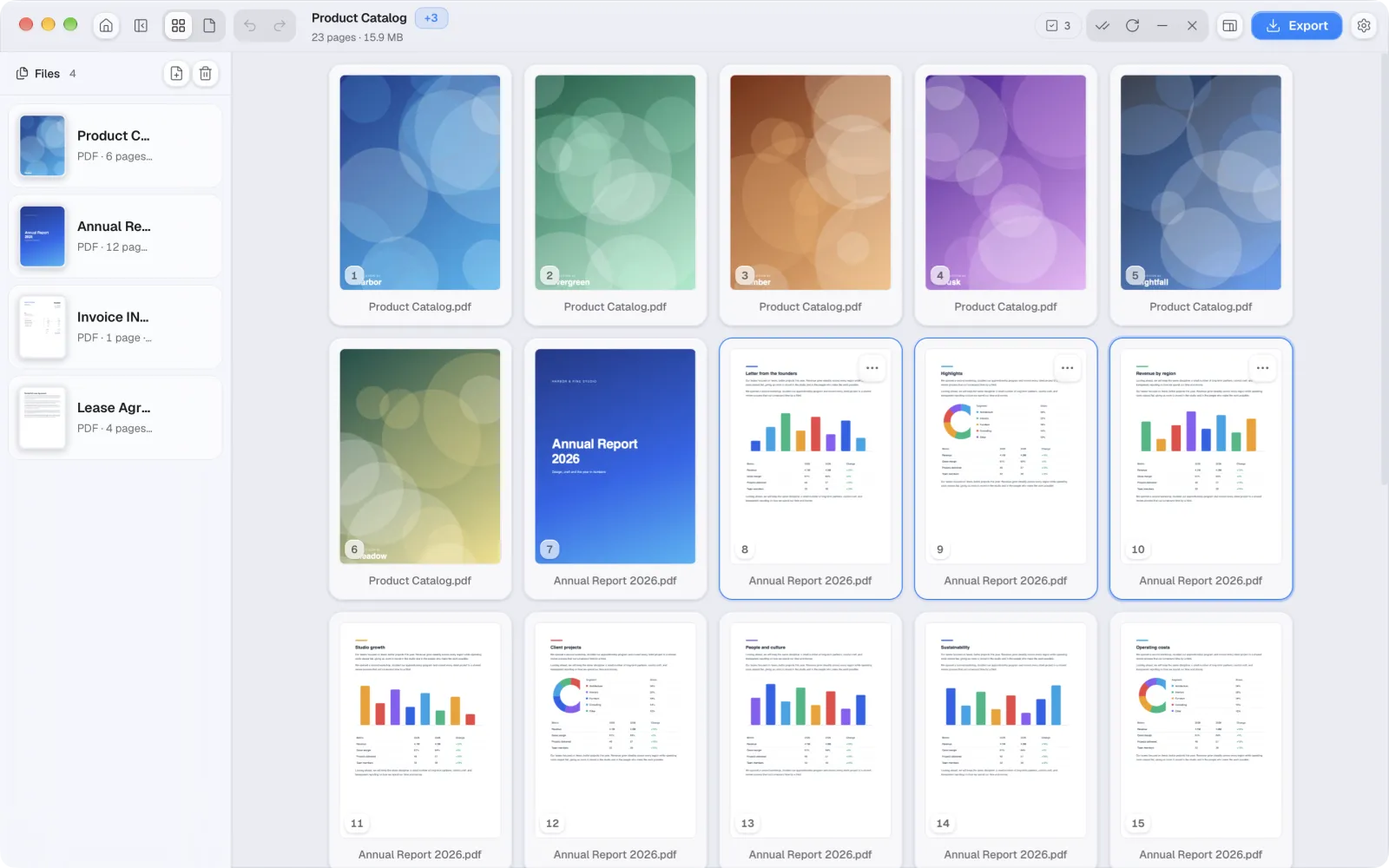
Get it on the App StoreMerge, split, compress, and rearrange pages, with files dragged straight from Finder.
Get it on the Mac App StoreMerge, split, and convert up to 2 files at a time, right in your browser.
Open the web appiPhone & iPad · free on the App Store
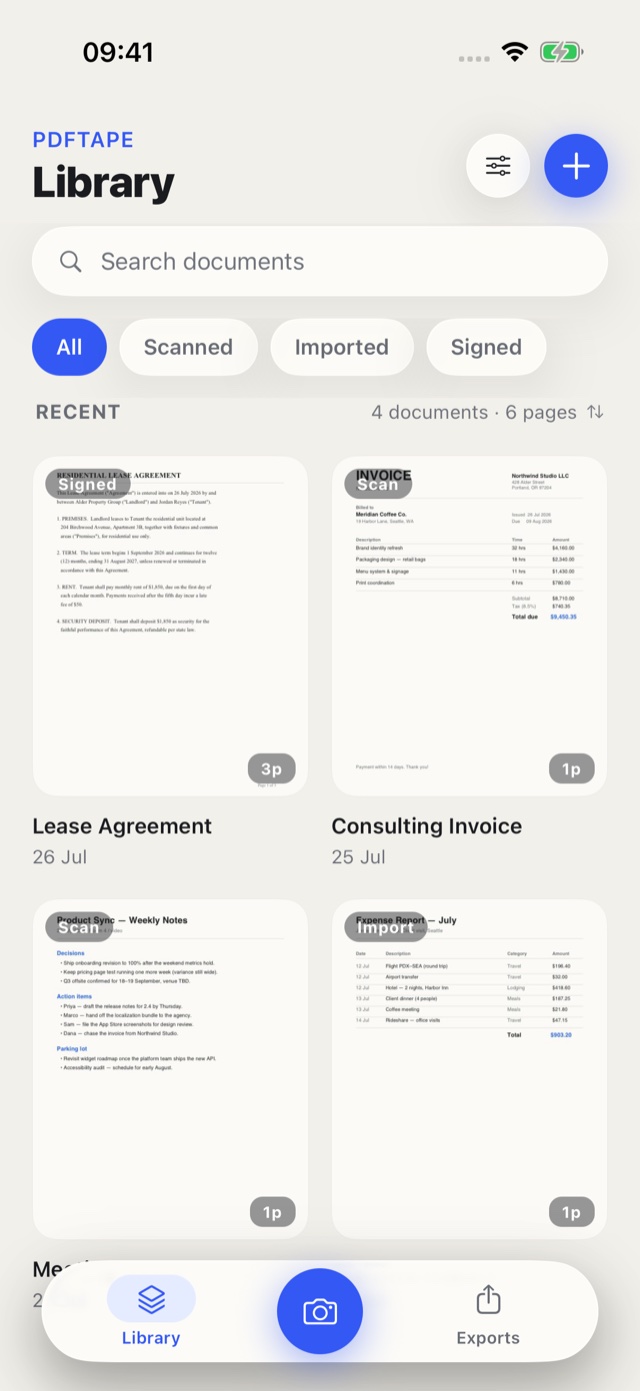
PDFTape for iPhone and iPad is a native, touch-first PDF scanner and editor — not a squeezed desktop screen. It handles the paperwork that starts away from your desk, entirely on the device.

 Free to download, no account, no waitlist.
Android follows on Google Play.
Free to download, no account, no waitlist.
Android follows on Google Play.
The native document scanner finds edges, fixes perspective, and turns paper into clean PDF pages.
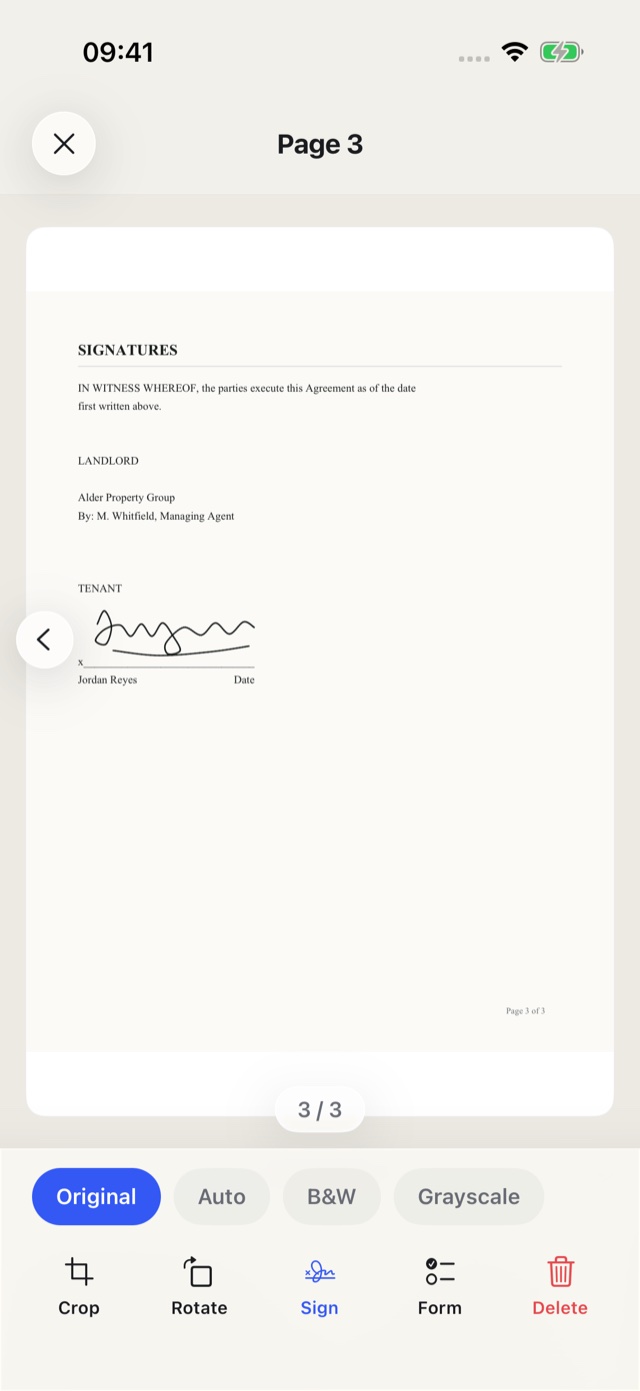
Complete PDF forms, then draw or import a signature and place it exactly where it belongs.
Reorder, rotate, crop, and exclude pages — the original file is never modified.
Lock an export with AES-256 password encryption before it goes anywhere.
Pick small, balanced, or original quality and see the export size before you share.
One PDF, single-page splits, or PNG and JPEG images. Files leave the app only when you share them.
Mac · free on the Mac App Store
Drop a stack of files from Finder, then merge, split, rearrange, and shrink them — nothing is uploaded. Free to download; PDFTape Pro is $2.99 USD once, with no subscription. US App Store prices. Local prices vary. Mobile and Mac Pro are separate purchases.

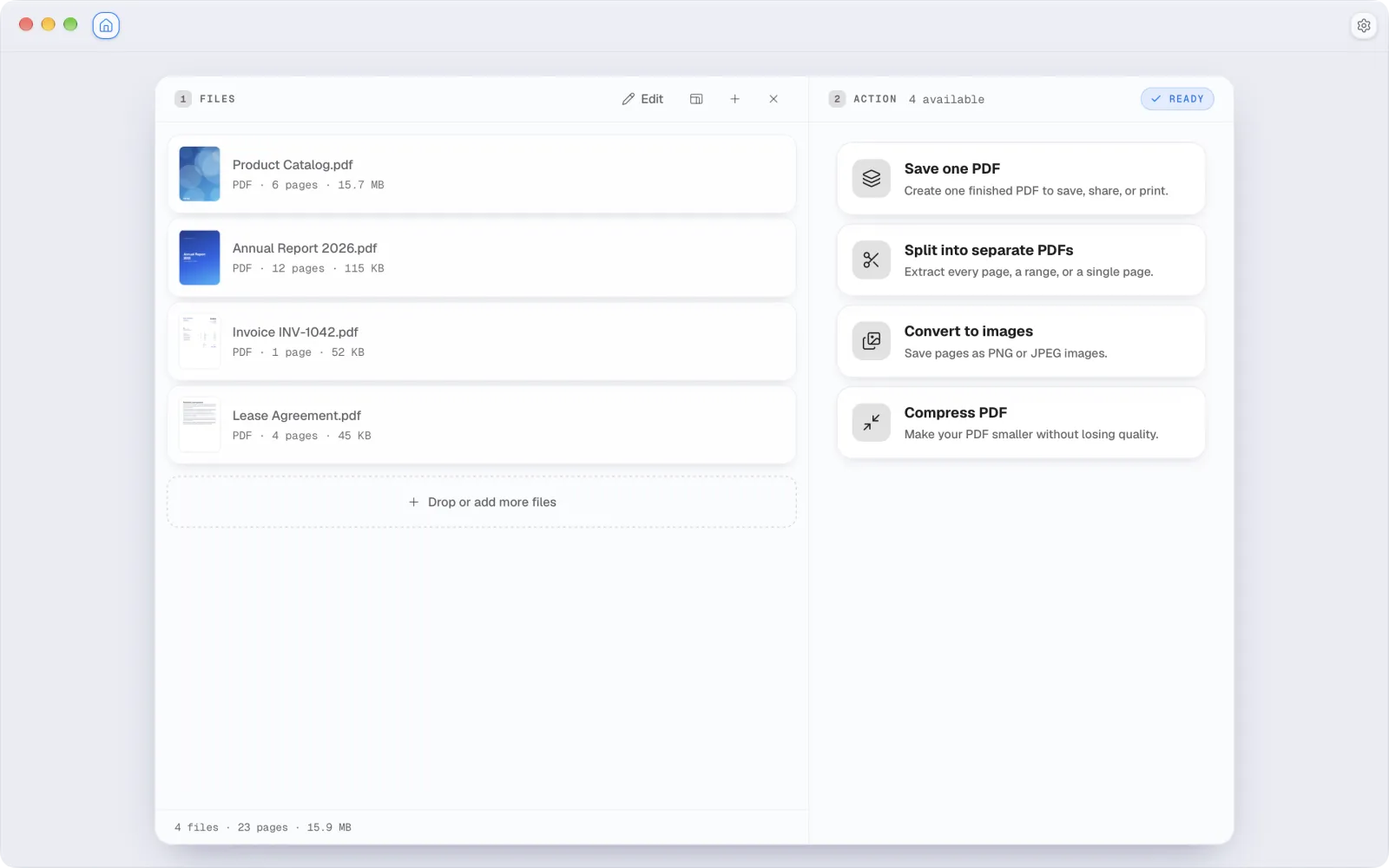
Drop PDFs and images from Finder, set the order, and save one clean file.
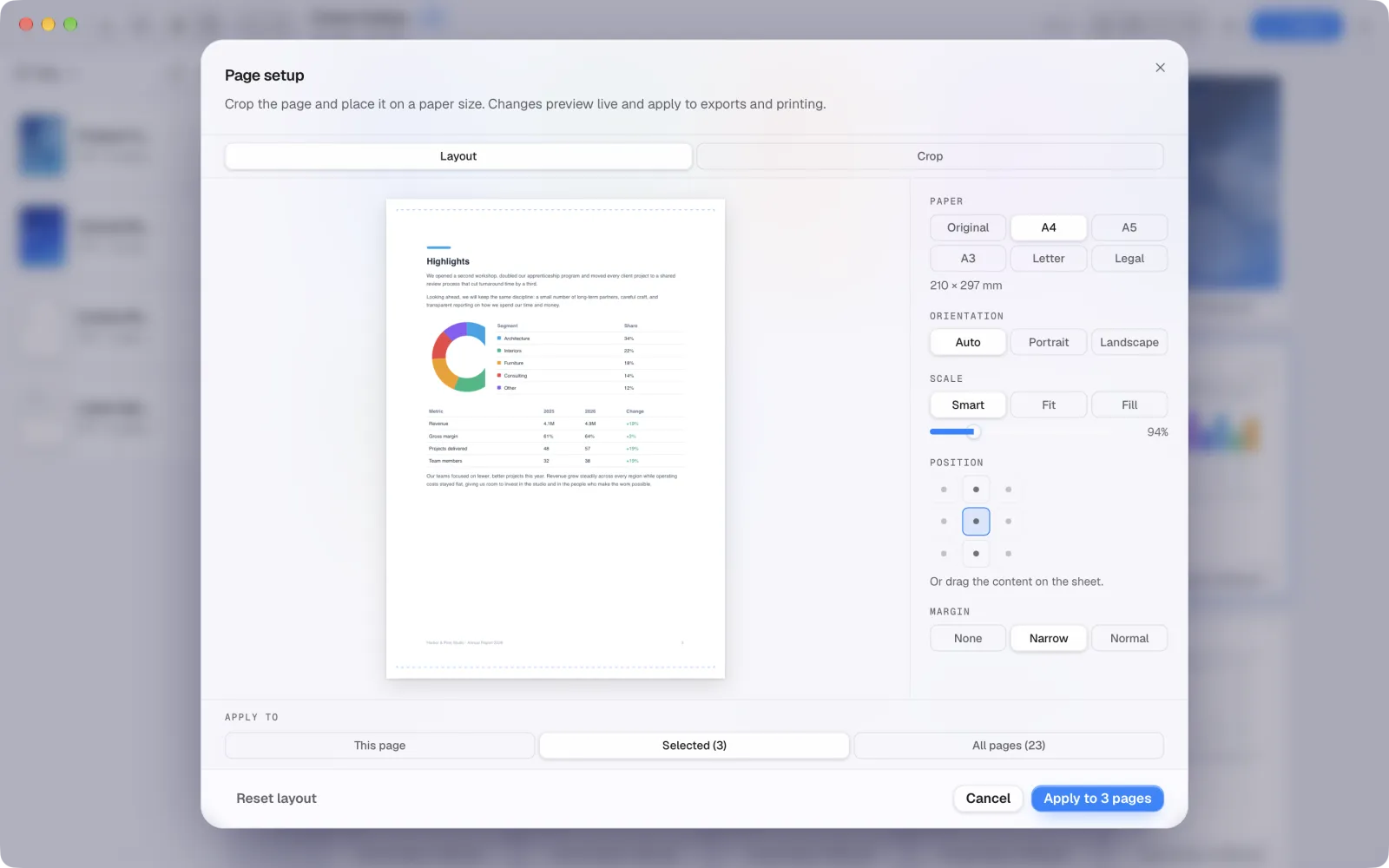
Crop, resize, and set margins with a live preview of the sheet.
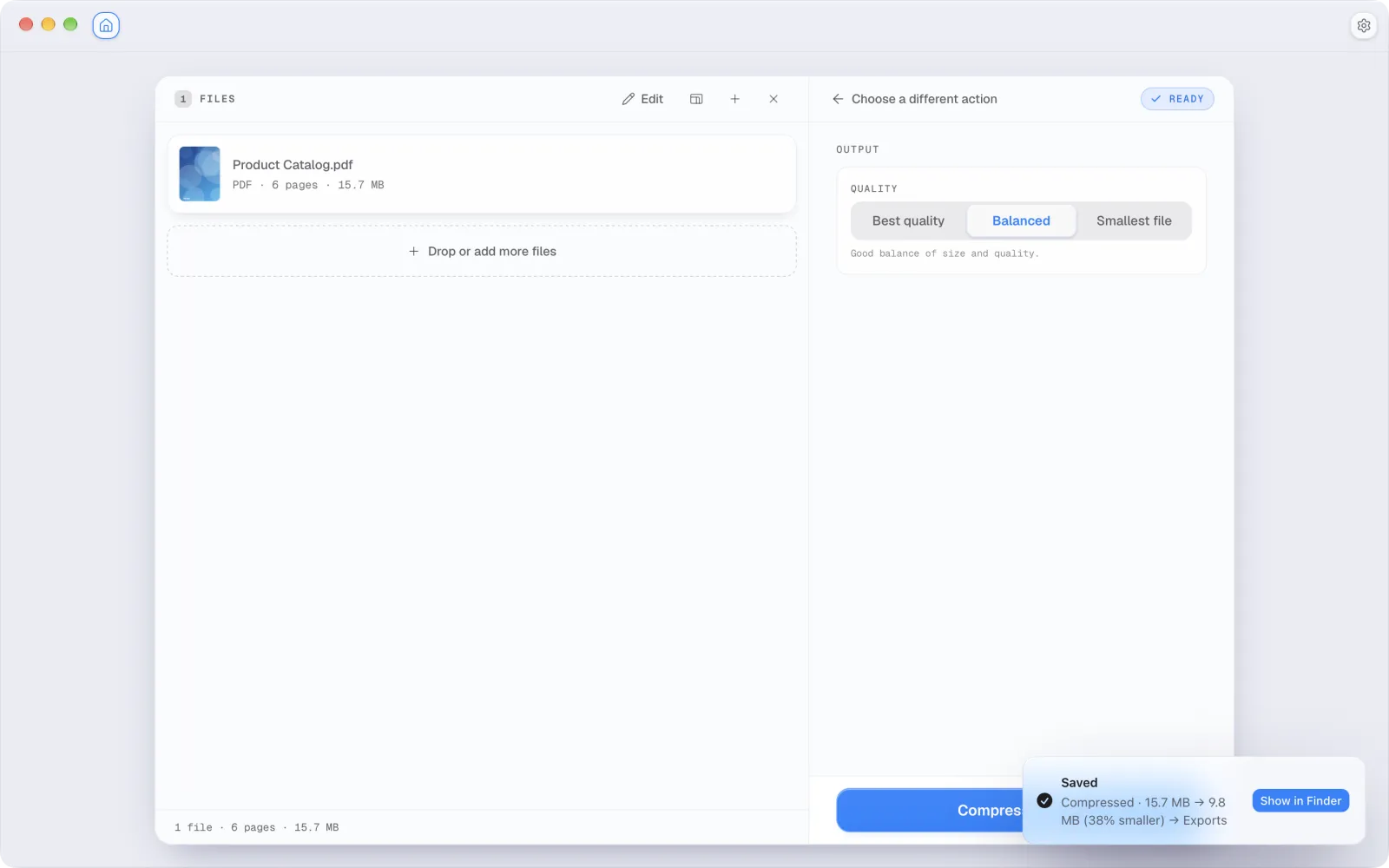
See the real before-and-after size, then save the smaller copy.
Privacy
PDFTape is designed around local file handling. The product does not need your documents on a server to do its job.
Web · free
Merge, split, and convert up to 2 files at a time, right in the tab. Free, no account — and still nothing uploaded.
Simple pricing
Download for free. Unlock the extra tools with one payment. No subscription.
$2.99 USD · once
$2.99 USD · once
A little help with the paperwork
FAQ
Free to download on iPhone, iPad, and Mac — or start in your browser right now. Pro is $2.99 USD on mobile and $2.99 USD on Mac, paid once per platform. Local prices vary.